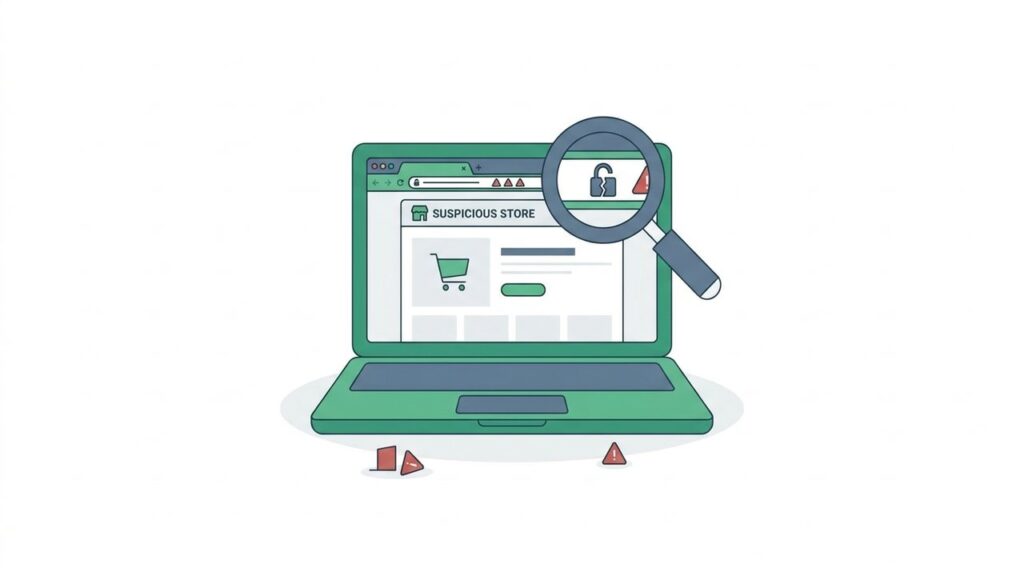
Billions of dollars are lost to online shopping fraud every year – and most victims never saw it coming. The store looked professional. The prices were attractive. The checkout felt normal. Then the package never arrived, or worse, their card was charged repeatedly for weeks.
Knowing how to spot a dangerous website before you buy is one of the most valuable skills you can have as an online shopper. Here are 8 red flags that should make you stop, close the tab, and move on. If you prefer a step-by-step verification routine, follow our 60-second store legitimacy check.
1. The URL Looks Slightly Off
Scammers are expert mimics. They register domains like amaz0n.com, nike-store.shop, or apple-support-secure.com – names that look right at a glance but are completely fraudulent. Always read the full domain carefully before entering any personal information. Legitimate retailers use their exact brand name as the primary domain, never buried after a hyphen or as a subdomain.
Quick check: Search the domain name alongside “scam” or “reviews” before proceeding.
2. No HTTPS – or a Suspicious Certificate
Every legitimate online store uses HTTPS (the padlock icon in your browser’s address bar). Its absence on a checkout page is an immediate dealbreaker. But HTTPS alone isn’t enough: check that the certificate was issued to the brand name you expect, not a random company, and that it hasn’t expired. Your browser will warn you – listen to it.
3. Prices That Are Too Good to Be True
A brand-new iPhone for $89. Ray-Ban sunglasses for $19. A PS5 for $120. If the price makes you wonder how they could possibly profit, they aren’t planning to make money by shipping you anything. Scam stores use impossibly low prices as bait – you hand over your payment details, and the product never arrives (or you receive a cheap knockoff worth a fraction of what you paid).
4. No Real Contact Information
Legitimate businesses make it easy to reach them. Look for a physical address, a working phone number, and a customer service email that matches the store’s domain. A vague web form as the only contact option is a serious warning sign. Go further: try emailing support before you buy. A long delay, a bounce-back, or a suspicious reply tells you everything you need to know.
5. Copied or Fake Reviews
Review manipulation is widespread. Watch for these patterns:
- All reviews posted within the same short window
- Reviews that use nearly identical language or phrasing
- Zero negative reviews – even the best-rated products on Amazon have some
- Reviewer profiles with no history, no photo, and no other activity
Cross-reference the store on Trustpilot, Google, and Reddit. Real customers leave real reviews in unexpected places, and negative experiences surface quickly. For a deeper look at how manufactured ratings work, see our guide to spotting fake reviews.
6. The Domain Was Registered Recently
Most scam stores are built fast, run briefly to collect victims, then disappear. You can check any domain’s registration date for free using a WHOIS lookup. A site claiming to be an established retailer – but whose domain is three weeks old – is almost certainly a fraud. Longevity isn’t proof of legitimacy, but newness is absolutely a red flag.
7. Only Accepts Unusual Payment Methods
Credit cards and PayPal offer buyer protection. That’s exactly why scam stores avoid them. Be very cautious if a store only accepts:
- Wire transfers or direct bank deposits
- Gift cards of any kind
- Cryptocurrency with no alternative option
- Peer-to-peer payment apps without buyer protection (Zelle, Venmo to strangers)
If a store refuses credit cards, it’s because chargebacks work – and they don’t want you to have that option.
8. Vague or Missing Refund Policy
Every reputable e-commerce business publishes a clear, plain-language returns policy. If a site’s policy is hidden, missing, full of contradictions, or reads like it was machine-translated from another language, that’s a reliable indicator of how they’ll handle disputes: they won’t. Before purchasing from any unfamiliar store, find the refund policy and read it. A legitimate business has nothing to hide.
Check Any Website in Seconds
Running through this checklist manually takes time – and scammers count on you being in a hurry. ShieldFlag automates the entire process, scanning any online store for domain age, SSL status, blacklist records, review patterns, and dozens of other trust signals in seconds – here is how it works.
Before your next purchase from an unfamiliar store, run a ShieldFlag check. It takes less time than reading a single product description – and it could save you from a scam that looks completely convincing.