Understanding Browser Extensions for Security
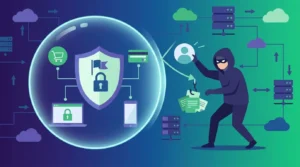
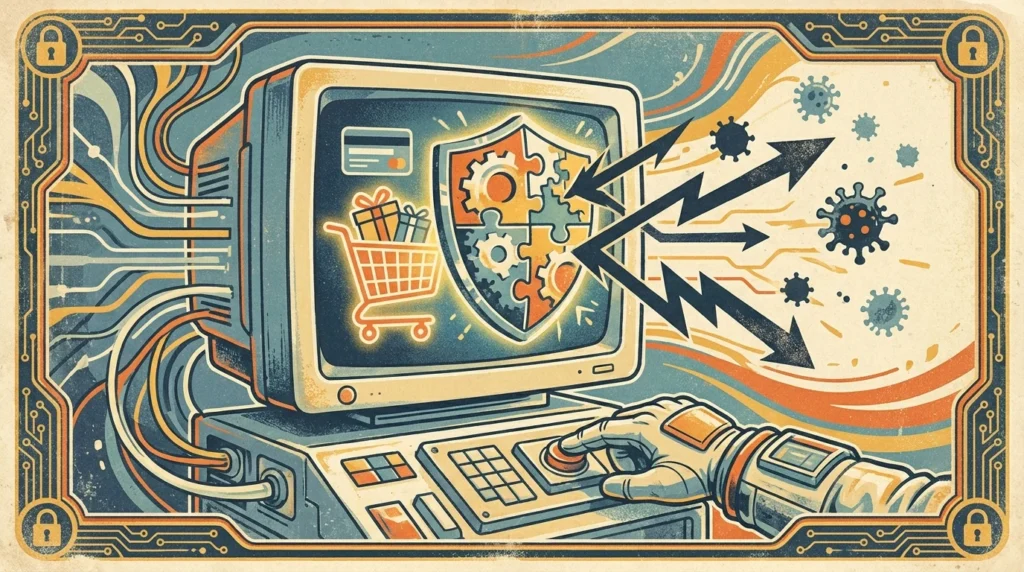
Browser extensions are powerful tools that can enhance your online shopping security. These small software modules integrate into your web browser, adding new functionalities or modifying existing ones. Primarily used to block ads, manage passwords, or protect against malware, browser extensions can significantly enhance your online shopping security by providing a safer and more enjoyable experience.
Types of Security Extensions Available
There are various types of security extensions available, each serving a unique purpose. Some popular categories include ad blockers, password managers, VPN extensions, and anti-phishing tools. Each type offers specific benefits, such as blocking malicious ads, storing passwords securely, encrypting your internet connection, or protecting against phishing attacks. Understanding these can help you choose the right extensions to suit your needs.
How to Choose the Right Extensions
Choosing the right browser extensions for security involves evaluating your specific needs and researching available options. Consider what aspects of your online shopping you want to protect. Are you concerned about phishing attempts, or is your primary focus on maintaining privacy? Reading user reviews and checking for reputable developers can also guide your selection process. For more insights, you might explore this article on using browser extensions safely.
Installation and Setup
Installing and setting up browser extensions is generally straightforward. Most browsers have an extension store where you can search for and install extensions with just a few clicks. After installation, configuring the extension settings is crucial for optimal performance. This might involve setting rules for password managers or choosing what types of ads to block with ad blockers. Proper setup ensures the extension works efficiently to protect your online shopping activities.
Enhancing Privacy with VPN Extensions
VPN extensions are particularly useful for enhancing privacy during online shopping. They encrypt your internet connection, making it difficult for hackers to intercept your data. A VPN extension can mask your IP address, providing anonymity and protecting your personal information from being tracked. This added layer of security can be invaluable, especially when shopping on public Wi-Fi networks.
Password Managers for Secure Shopping
Password managers are essential browser extensions for security-conscious online shoppers. They store and manage your passwords securely, allowing you to use complex, unique passwords for each account without the need to remember them all. This reduces the risk of account takeovers and enhances your overall online security. Learn more about safeguarding your accounts through this resource.
Ad Blockers: Reducing Distractions and Risks
Ad blockers are another important category of security extensions. By blocking ads, they reduce the risk of encountering malicious advertisements that could compromise your security. Additionally, ad blockers enhance your browsing experience by reducing distractions and speeding up page load times.
Protecting Against Phishing Attacks
Anti-phishing extensions are designed to detect and block phishing attempts, which are common threats during online shopping. These extensions analyze websites and emails for signs of phishing, alerting you before you can enter sensitive information. This proactive approach helps prevent identity theft and financial loss.
Keeping Extensions Updated
Regularly updating your browser extensions is crucial for maintaining security. Developers frequently release updates to fix vulnerabilities and improve functionality. Ensuring your extensions are up-to-date means you’re protected against the latest threats. Most browsers provide automatic updates, but it’s wise to check periodically for any missed updates.
Balancing Security and Performance
While browser extensions for security are beneficial, it’s important to balance security with browser performance. Installing too many extensions can slow down your browser and lead to compatibility issues. Focus on essential extensions that address your primary security concerns without overloading your system.
Conclusion: Maximizing Security with Extensions
Leveraging browser extensions for security is a strategic way to enhance your online shopping experience. By selecting the right tools, configuring them properly, and maintaining regular updates, you can significantly reduce security risks. For further guidance on using browser extensions effectively, consider reading this article on safer shopping practices.
Understanding the Limitations of Browser Extensions
While browser extensions offer numerous benefits for enhancing online shopping security, it’s essential to understand their limitations to use them effectively. One primary limitation is that extensions can only protect you within the browser environment. Once you download files or enter data into external applications, the protective features of the extensions no longer apply. Therefore, staying vigilant about your overall internet security practices, such as using antivirus software and being cautious with email attachments, is crucial.
Additionally, not all extensions are created equal. Some may have vulnerabilities themselves, or they might not integrate well with certain websites, leading to potential security gaps. It’s vital to consistently review and manage the permissions you grant these extensions, as excessive permissions can inadvertently expose your data to risks.
Another limitation is the possibility of extensions being abandoned by developers. An extension that is no longer supported or updated can quickly become obsolete in the face of new threats. Users should remain aware of the development status of their chosen extensions and be prepared to switch to alternatives if necessary.
Improving User Education and Awareness
A critical aspect of leveraging browser extensions effectively is improving user education and awareness. Many users might not fully understand the potential risks they face while shopping online or how extensions can mitigate these risks. Providing clear, accessible information on security best practices and the role of browser extensions can empower users to make informed decisions.
For example, users should be aware of the importance of enabling two-factor authentication (2FA) on their accounts, which, when combined with password managers, offers a robust defense against unauthorized access. Moreover, understanding the signs of phishing attacks and how anti-phishing extensions function can help users avoid falling victim to scams.
Users should also be educated about the privacy policies of the extensions they use. It is essential to ensure that the extension does not collect unnecessary personal data and that it operates transparently. This awareness can be fostered through tutorials, webinars, or community forums where users share experiences and tips.
Ultimately, fostering a culture of security awareness will complement the technical protections offered by browser extensions, leading to a safer and more secure online shopping experience. By equipping users with the knowledge they need, they can better navigate the complexities of online security, making informed choices about the tools they use and how they use them.