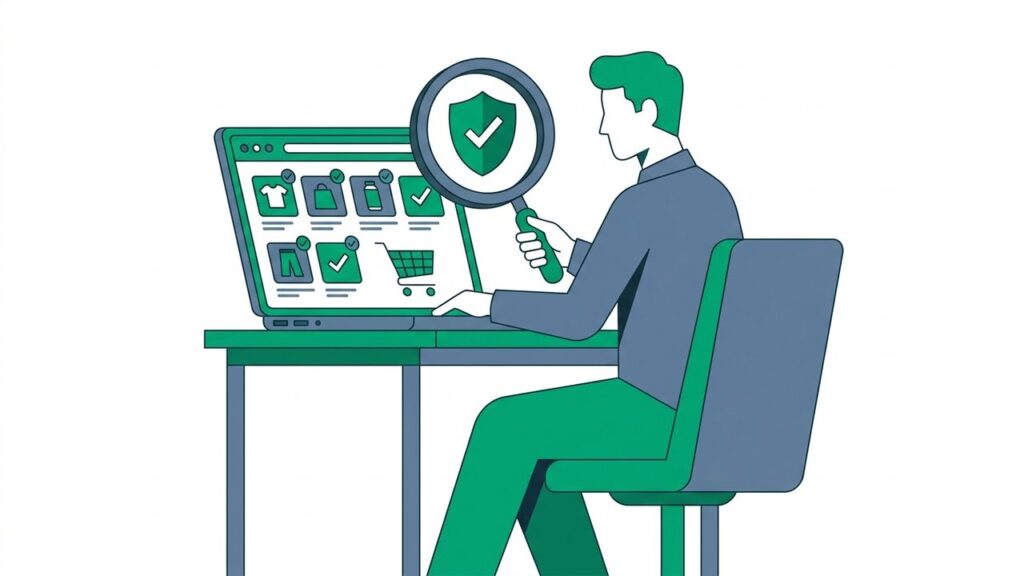
Not every scam store announces itself with broken English and obvious red flags. Some are convincing enough to fool experienced shoppers – professional design, plausible prices, and a checkout that works. The good news: a quick, systematic check takes under 60 seconds and costs nothing. Here is exactly how to do it.
Step 1: Read the Domain Name Carefully
Start with the URL before you do anything else. Scammers register domains that mimic real brands – adidas-outlet.store, samsung-deals.shop, paypaI.com (with a capital i instead of an l). Read every character of the domain name slowly. The legitimate site for any major brand is almost always just brand.com, nothing more.
If the domain looks slightly unfamiliar or has extra words, hyphens, or a non-standard extension, that is your first warning.
Step 2: Check for HTTPS and Inspect the Certificate
Click the padlock icon in your browser’s address bar. A legitimate store will show a valid SSL certificate issued to the business name you expect. If there is no padlock, if your browser shows a warning, or if the certificate is issued to a name you don’t recognise – leave immediately.
Note: HTTPS proves the connection is encrypted, not that the site is trustworthy. A scam site can have a valid SSL certificate. It is a necessary but not sufficient check.
Step 3: Search the Store Name + “Scam” or “Reviews”
Open a new tab and search for the exact store name followed by “scam”, “legit”, or “reviews”. Do this before you spend another minute on the site. Reddit, Trustpilot, and Google’s own review results surface real customer experiences quickly. Learn the patterns that give manufactured ratings away in our fake reviews guide.
If a store is running a fraud operation, victims tend to warn others. If your search returns nothing at all – no reviews, no social presence, no mentions anywhere – that silence is itself suspicious for any store claiming to be established.
Step 4: Check the WHOIS Record
Visit any free WHOIS lookup tool and search the store’s domain. Look at two things: the registration date and the registrant’s country. A domain registered in the last few weeks or months that claims to be a well-established retailer is a major red flag. Scam stores are built quickly and abandoned quickly.
Step 5: Find – and Test – the Contact Information
Scroll to the footer or the About page and look for a physical address, phone number, and customer service email. Then verify them. Paste the address into Google Maps. Call the number. Send a test email. A legitimate business will respond; a scam store often lists contact details that lead nowhere.
Step 6: Review the Policies
A returns and refund policy should be easy to find and written in plain, specific language. If the policy is vague (“all sales final”), missing entirely, or sounds like it was auto-translated, trust your instincts. The same applies to the privacy policy – a site that won’t tell you clearly how it handles your data has something to hide.
Do It in One Step
Running these checks manually works, but it takes time – and rushing is how scammers catch you. ShieldFlag runs all of these checks automatically: domain age, SSL status, blacklist records, review signals, and more. Enter any store’s URL and get an instant trust score before you buy.
Sixty seconds of checking is always worth it. The alternative can cost you far more.
Already paid a store you now have doubts about? Follow the 7 steps to take in the first 24 hours.